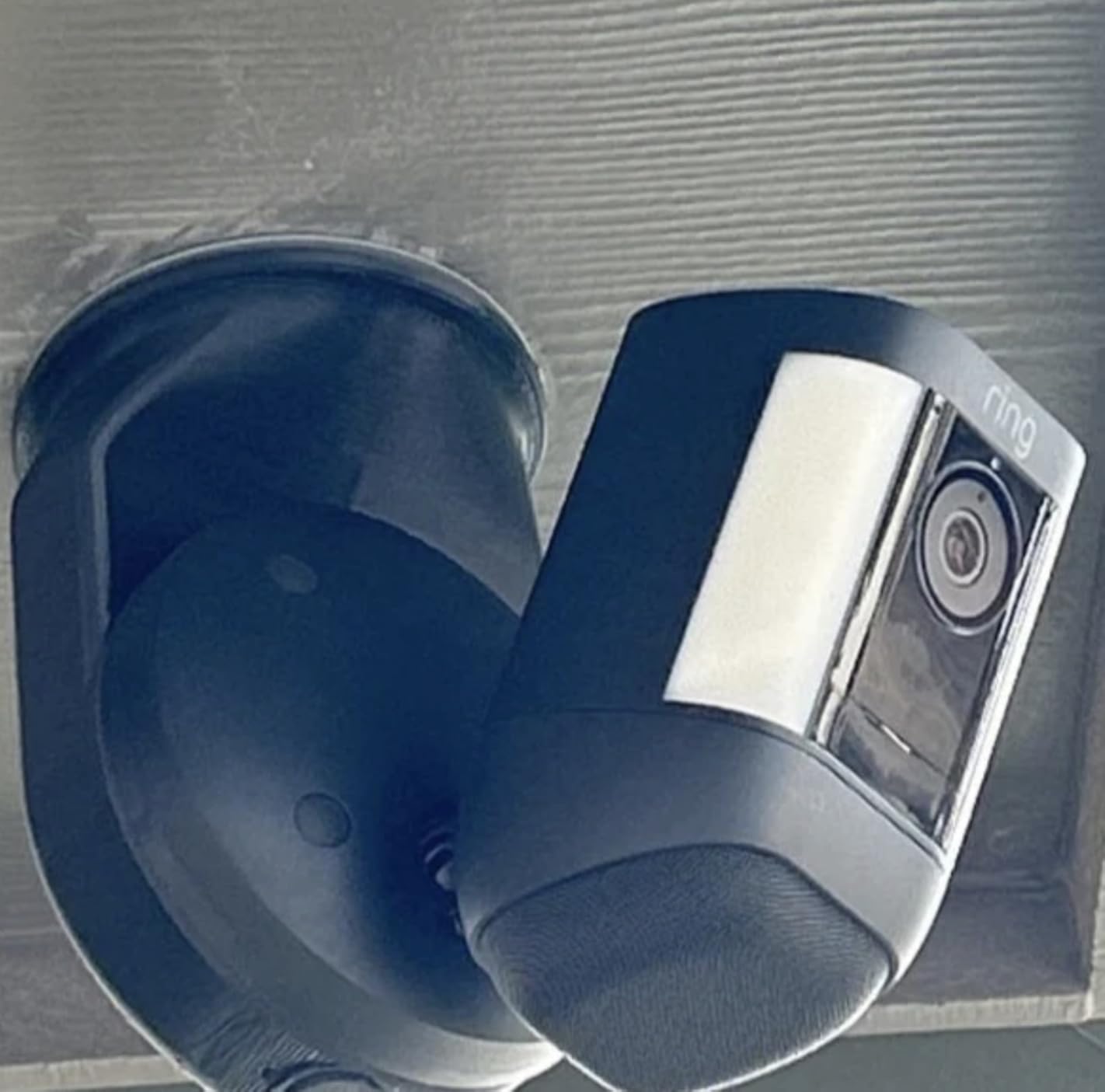
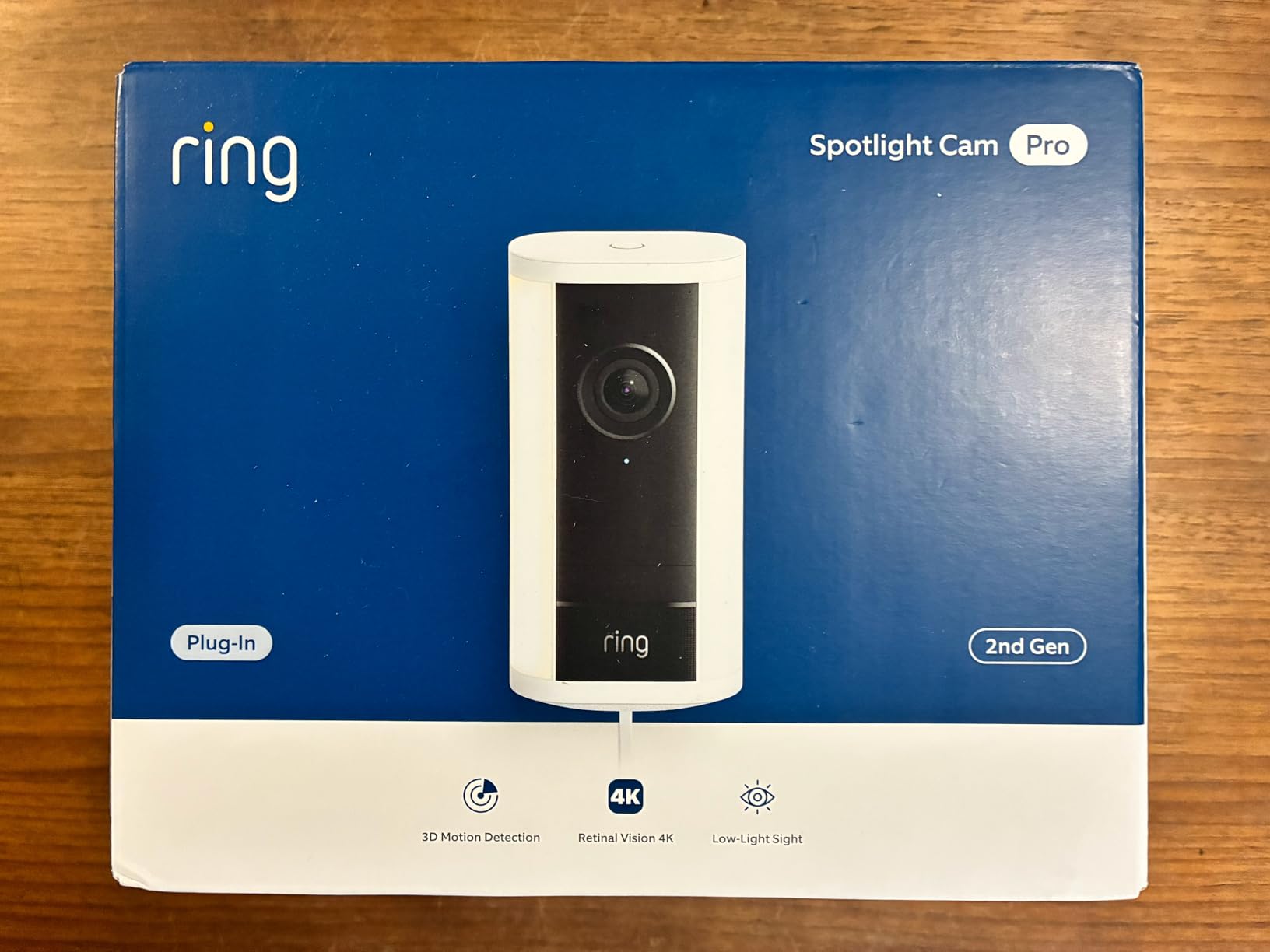
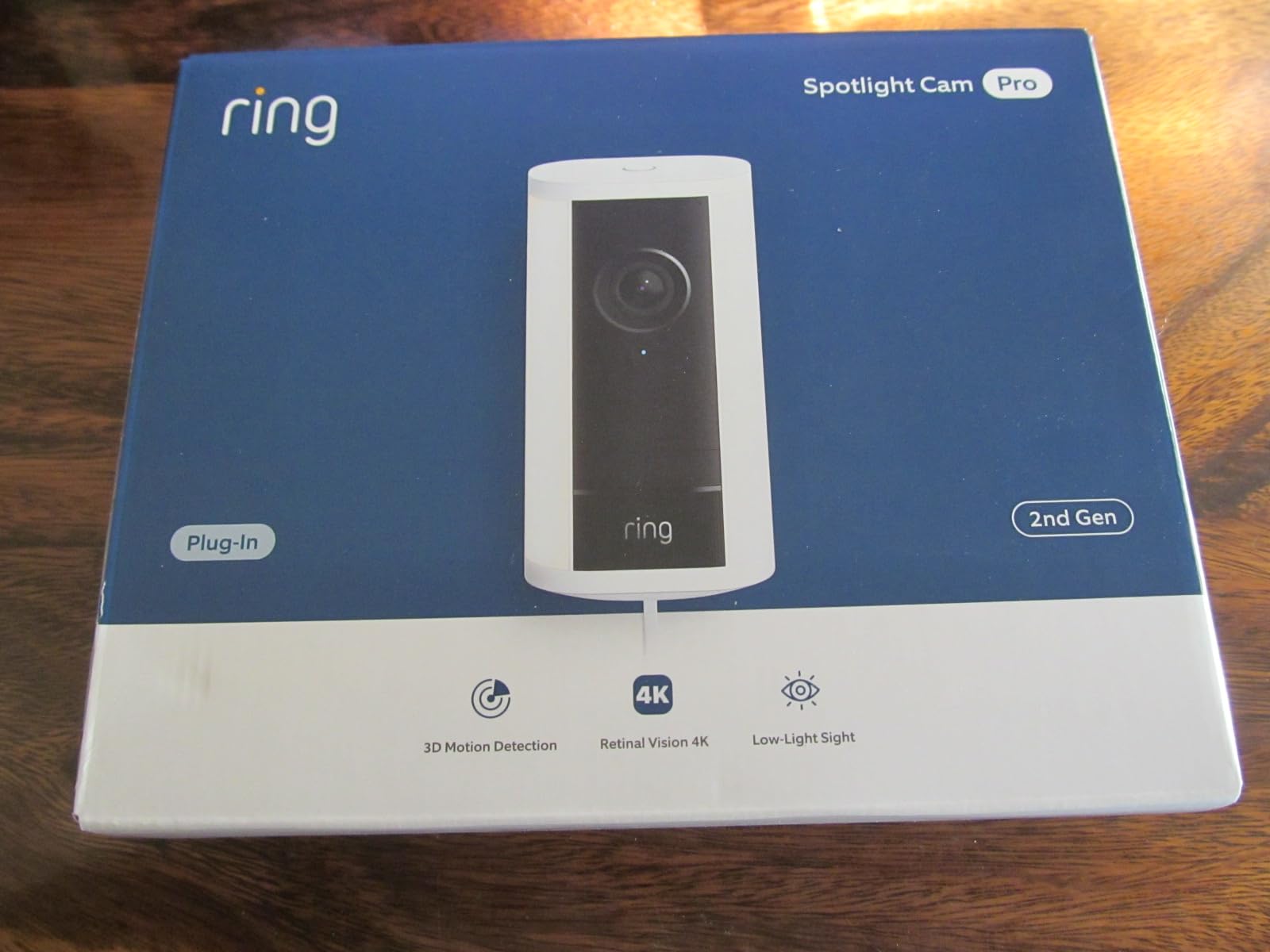
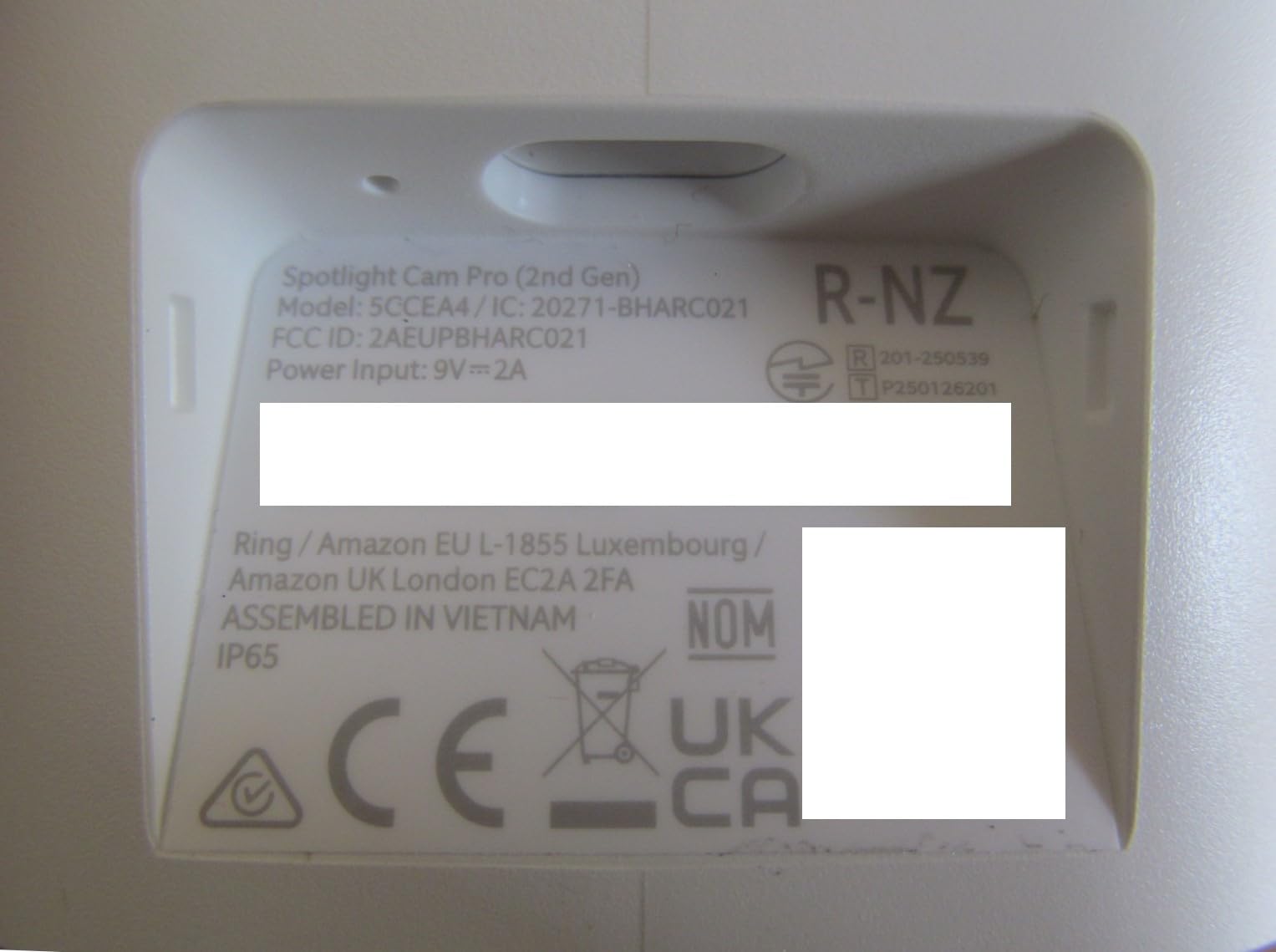
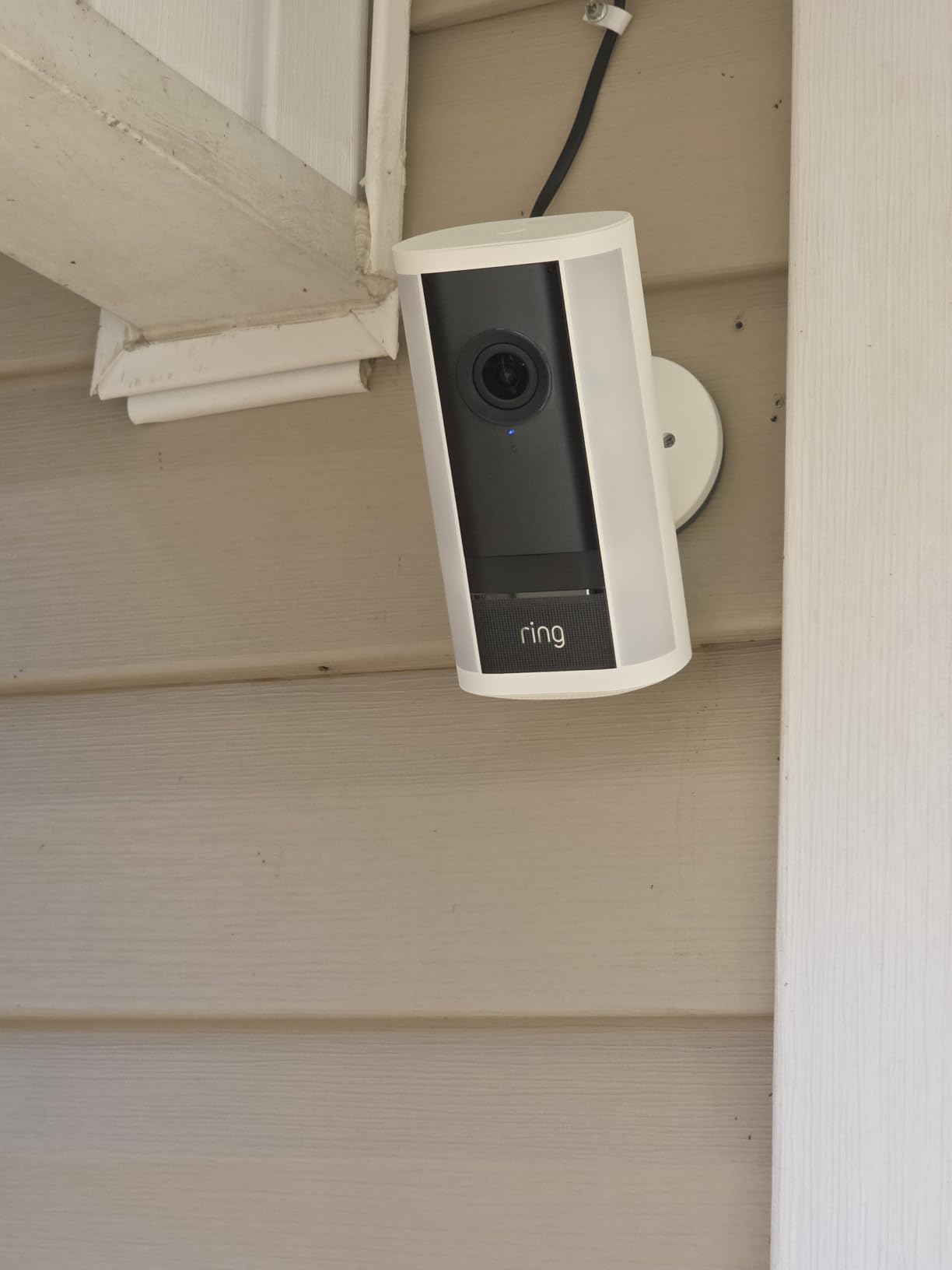
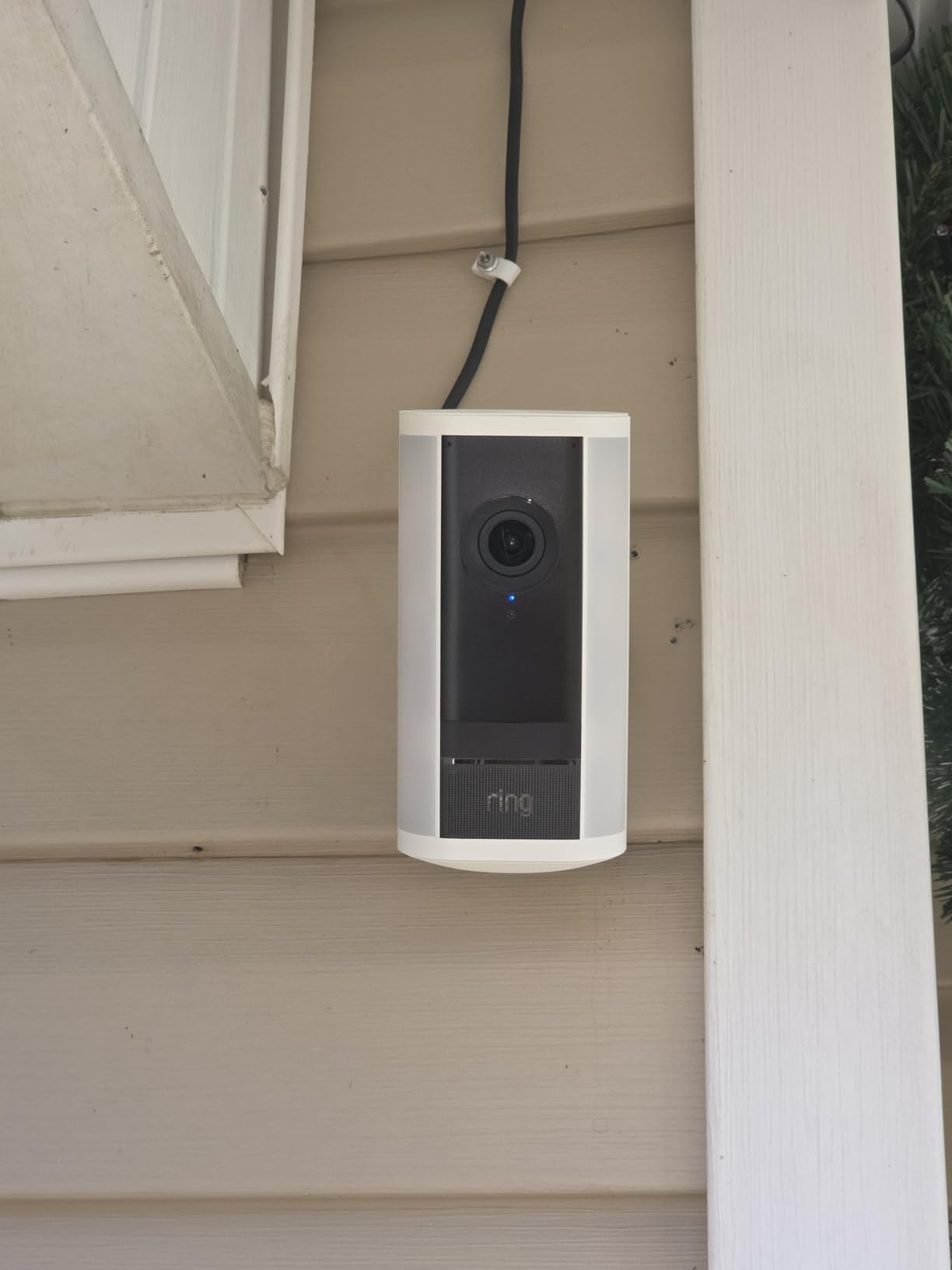
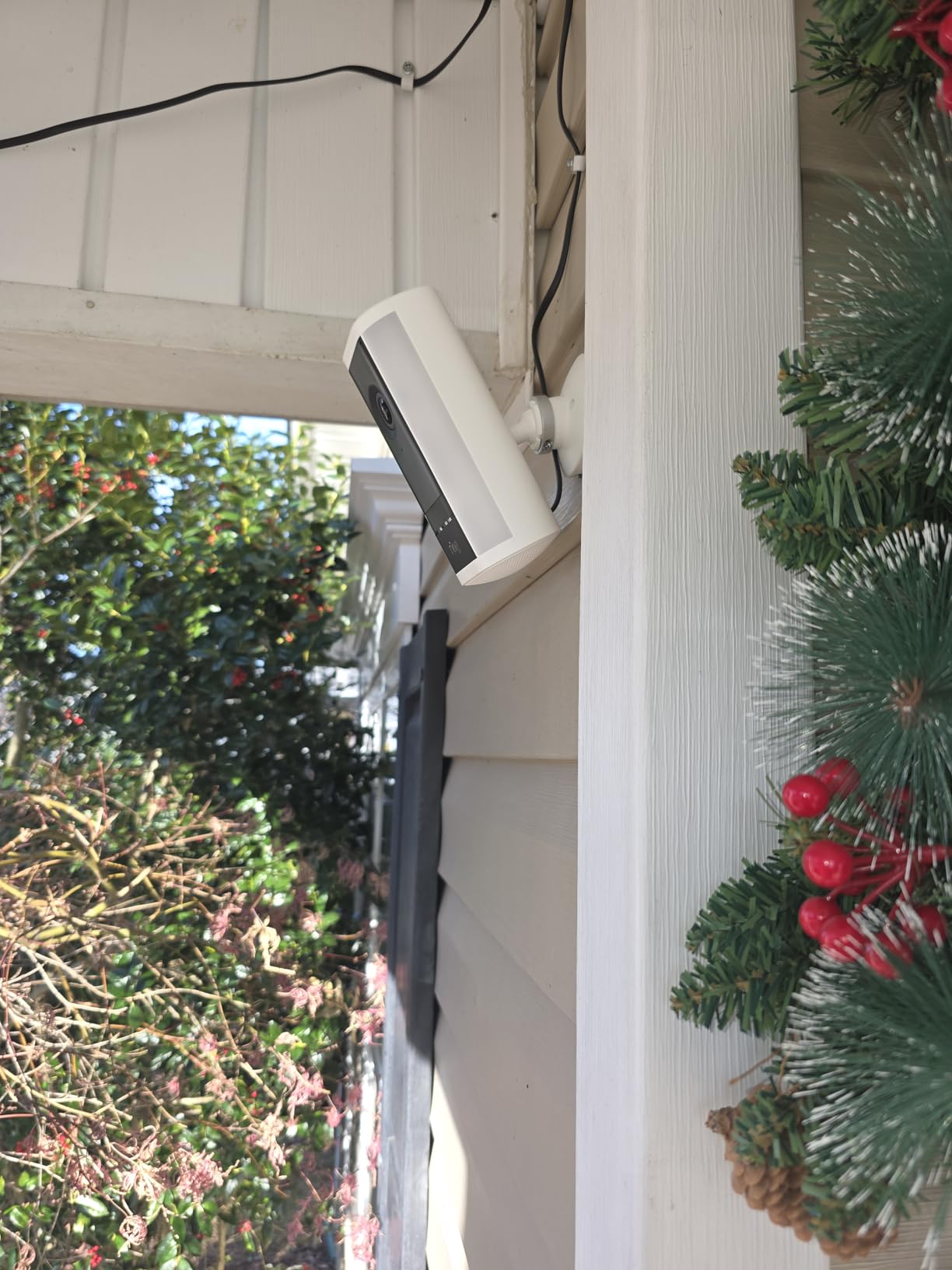
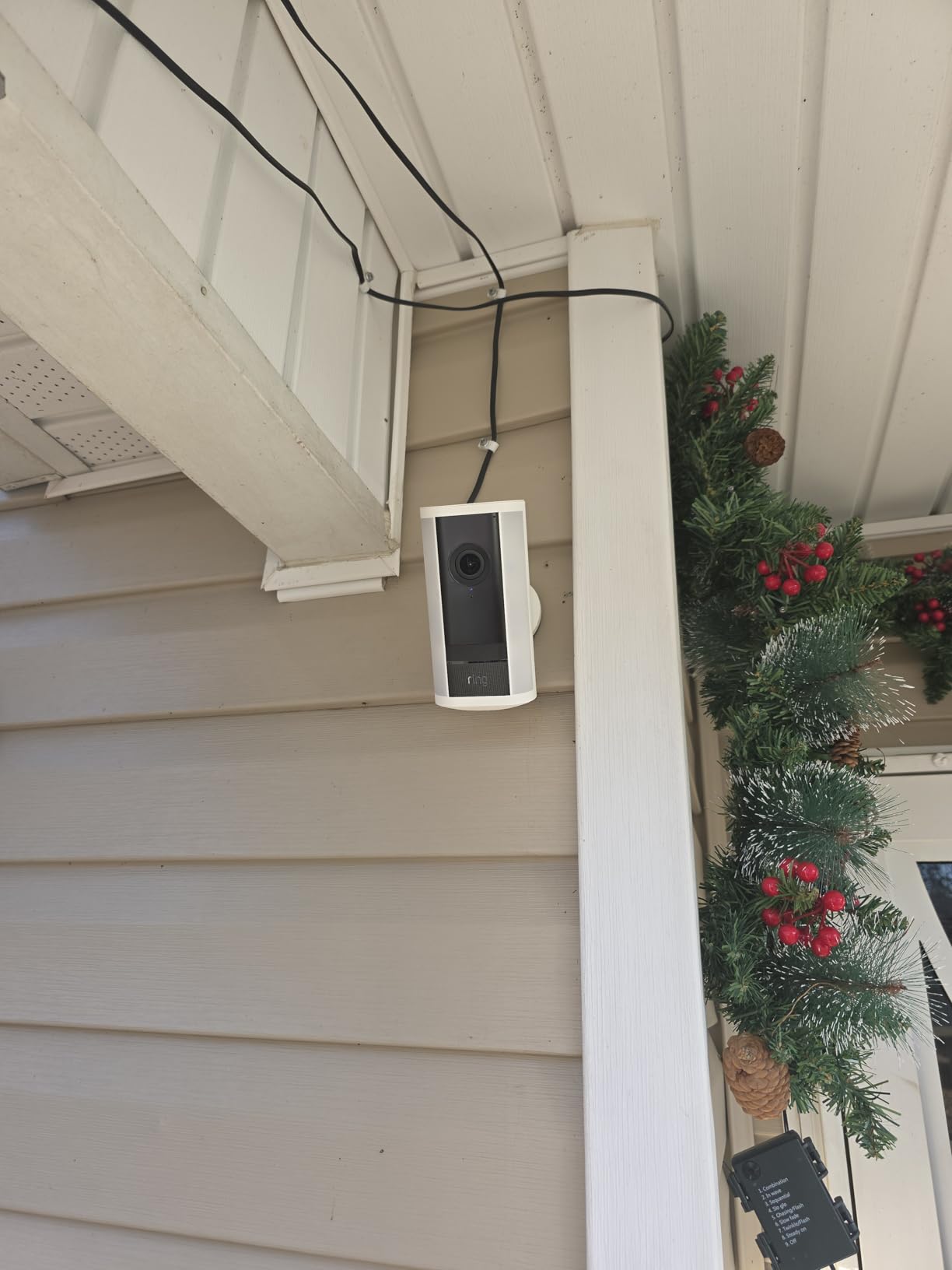
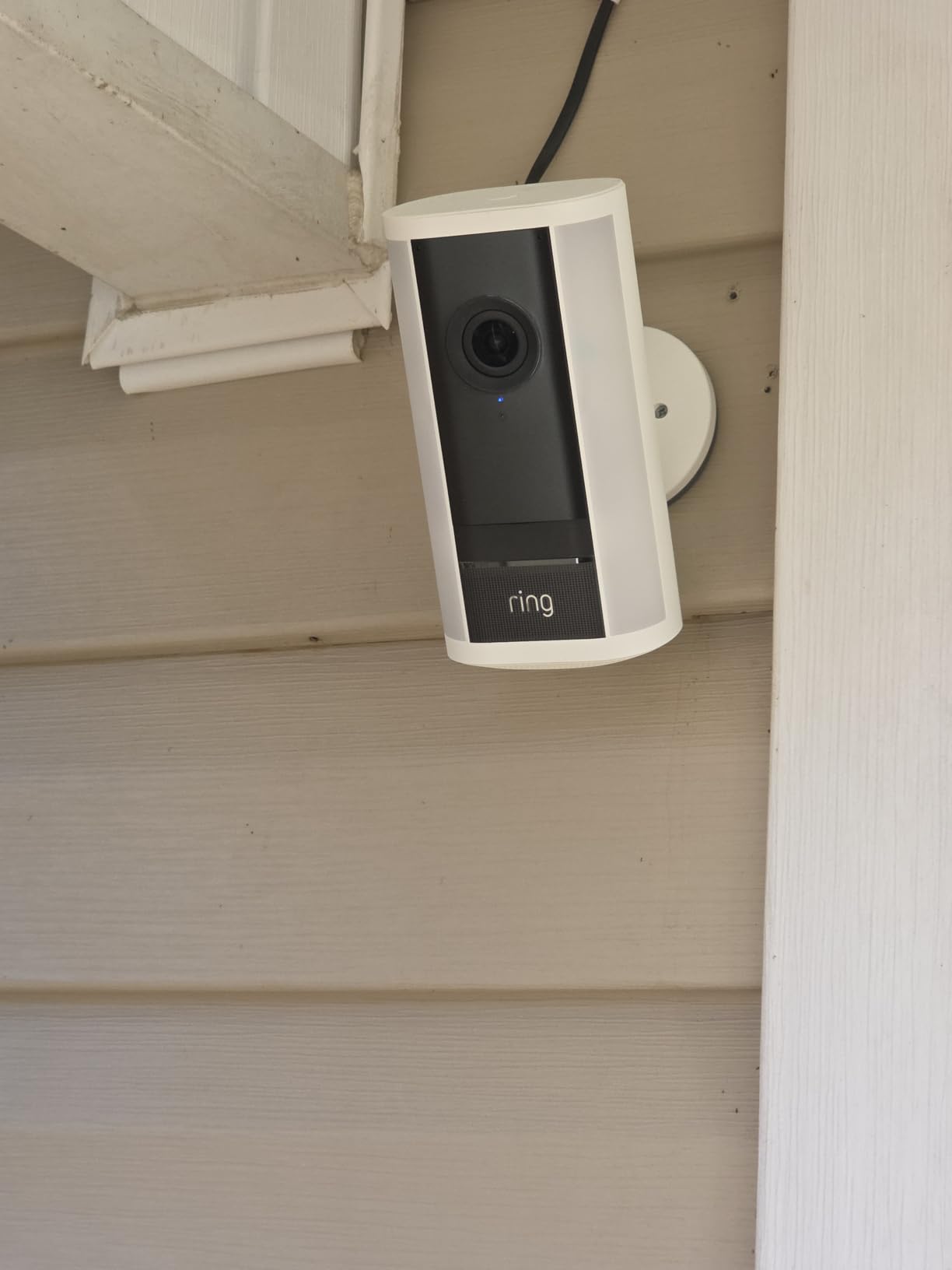
Prior to installing the plug-in version of the Ring Spotlight Cam Pro (2nd Gen), first make sure of these four things:
(1) Is there an electrical outlet within 8 feet of where you want to mount the Ring camera? The power cord is longer than that, but vertical runs have to be considered.
(2) Is your wireless router signal strength strong enough at this location?
(3) Are the building surfaces rigid enough to support the camera, power adapter, and cable support clips (i.e., brick or wood)?
(4) Are you willing to pay a monthly fee to use most of the Ring functions?
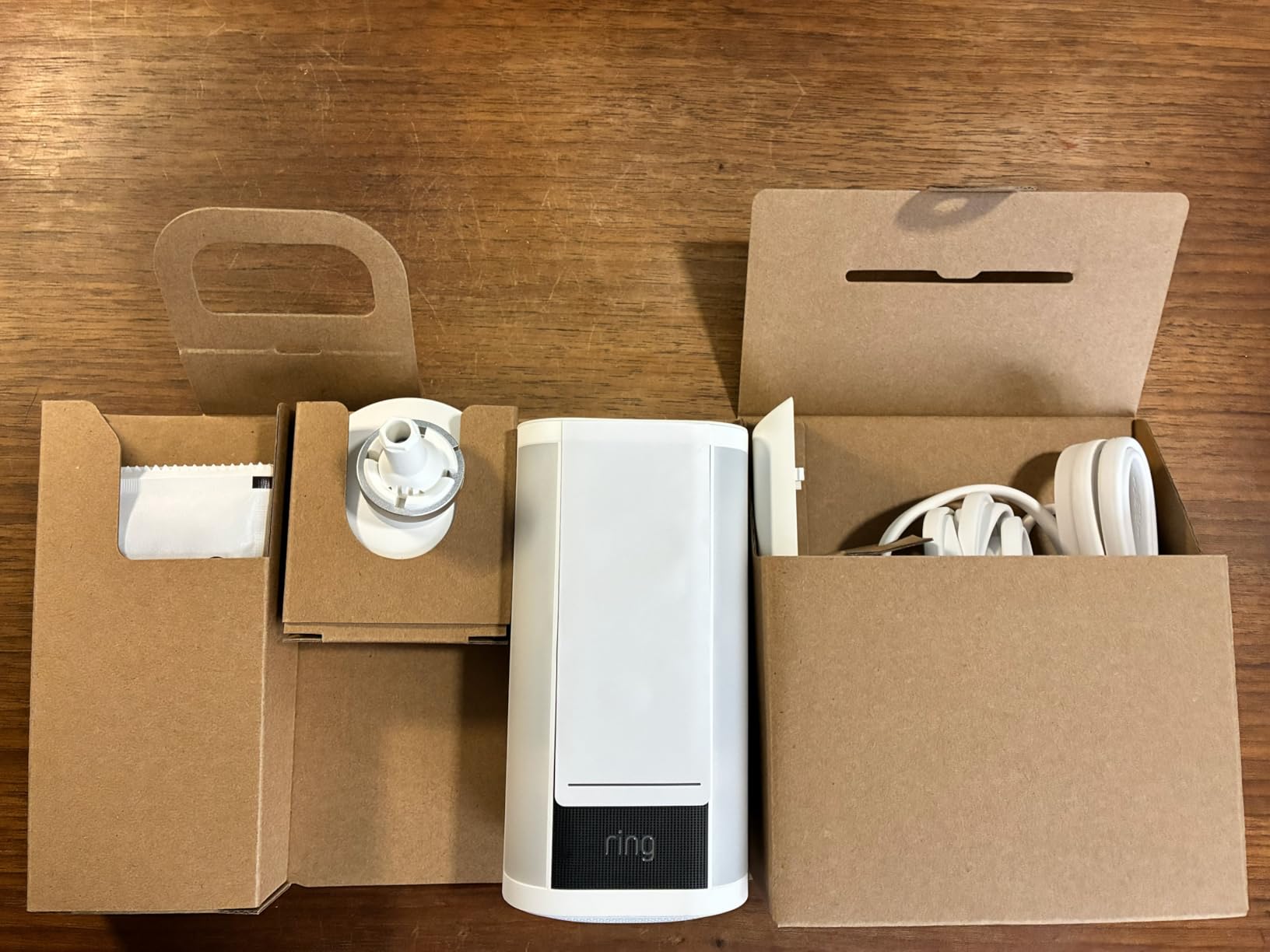
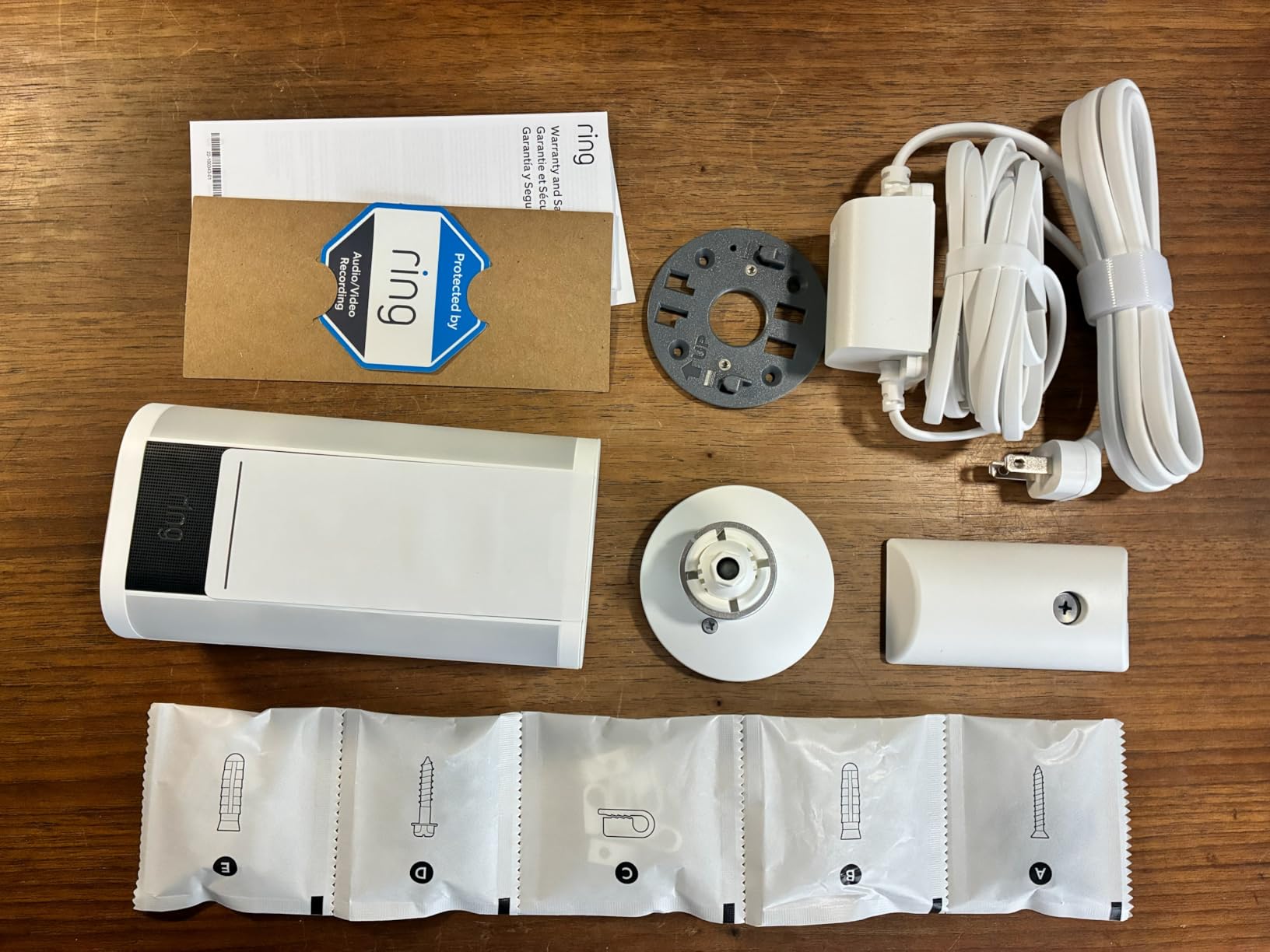
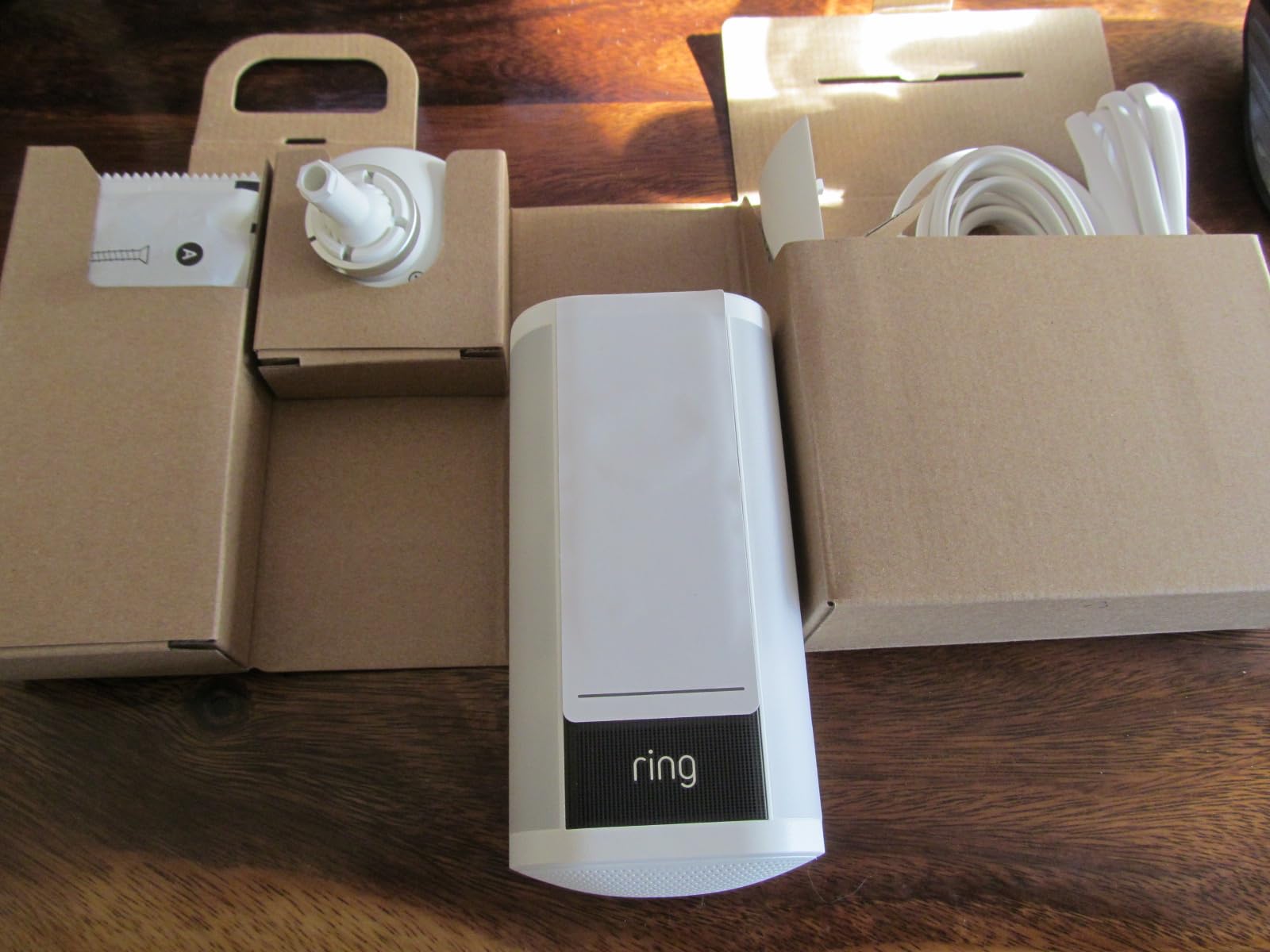
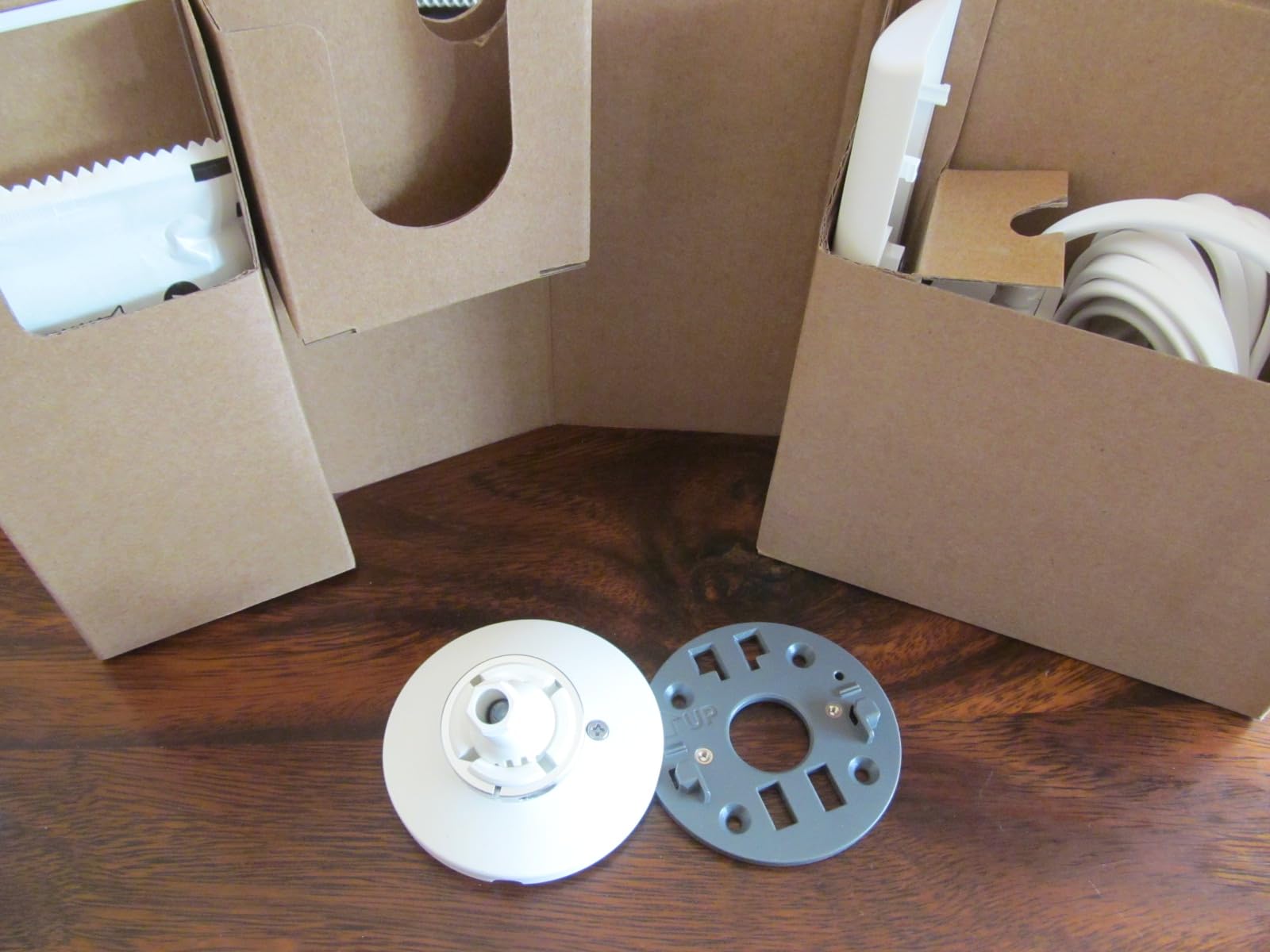
This may be a good model for someone already familiar with Ring cameras. If you are a new user, like myself, be aware that although a very long warranty and safety document is included, there are no installation or user manuals included. There is not even a parts list except for the mounting hardware. There was one curved plastic plate that I had no idea what to do with since there is absolutely nothing in the box to tell me what it is or how to install it. A very odd and frustrating omission for something so expensive. I finally found a web link on the included hardware sheet to download the full manual online, yet this manual only covered using the mounting hardware to attach the camera and power adapter. There is no user manual available to download.
When unpacking the pieces be careful setting the camera down. The bottom is curved and the camera will fall over if placed on its bottom. It will sit upright on its top though.
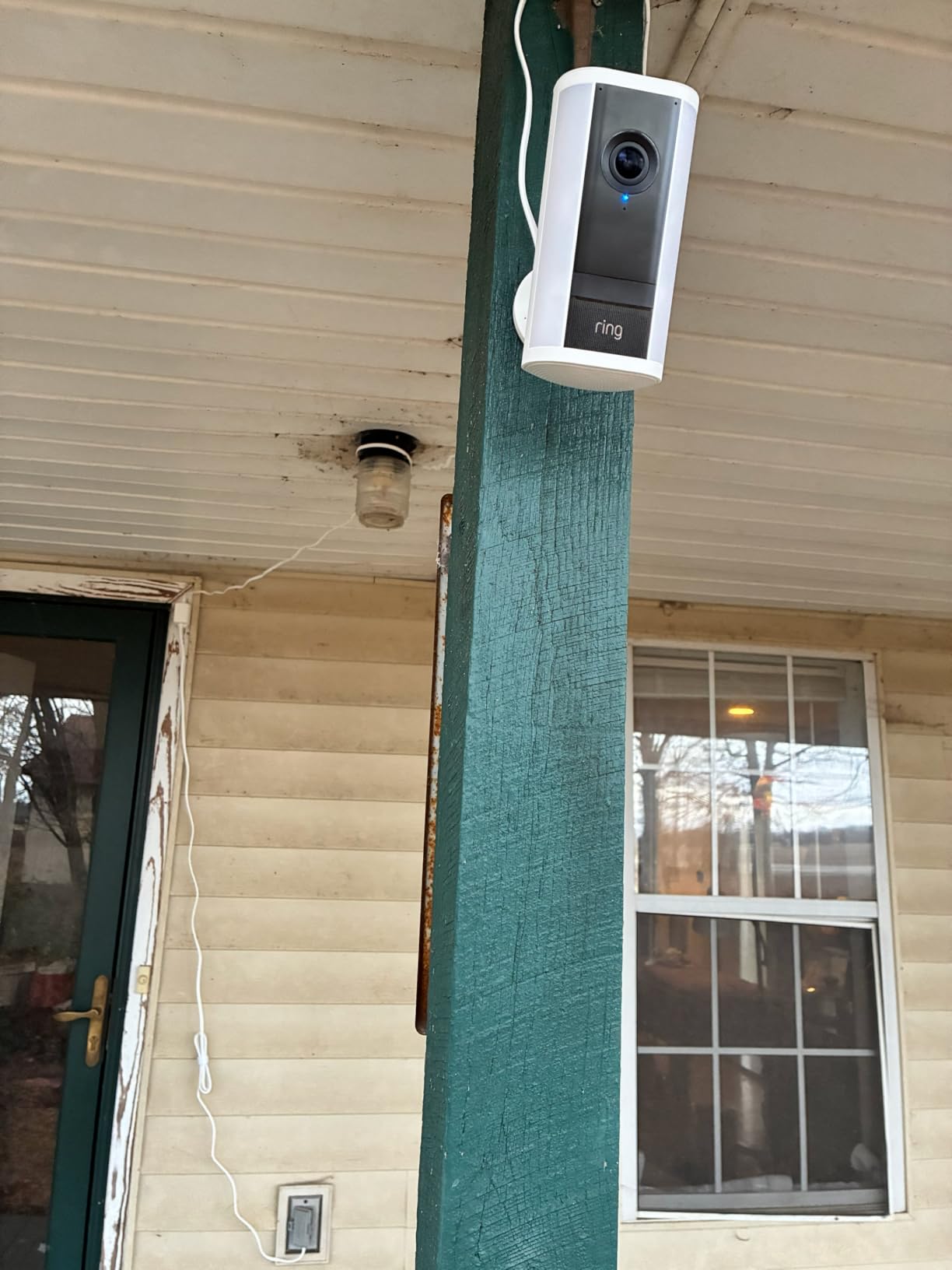
The power cord is light-duty and has a Type C USB plug that inserts into the back of the Ring camera. The length of the cord is 17'-8", which I found was much too short for my front door so I had to install the Cam Pro on the other side of my front porch until I can figure something else out. The power cord also isn't a good fit for my vinyl siding, since the vinyl doesn't provide enough support for the cable and the cord looks really ugly hanging off the siding.
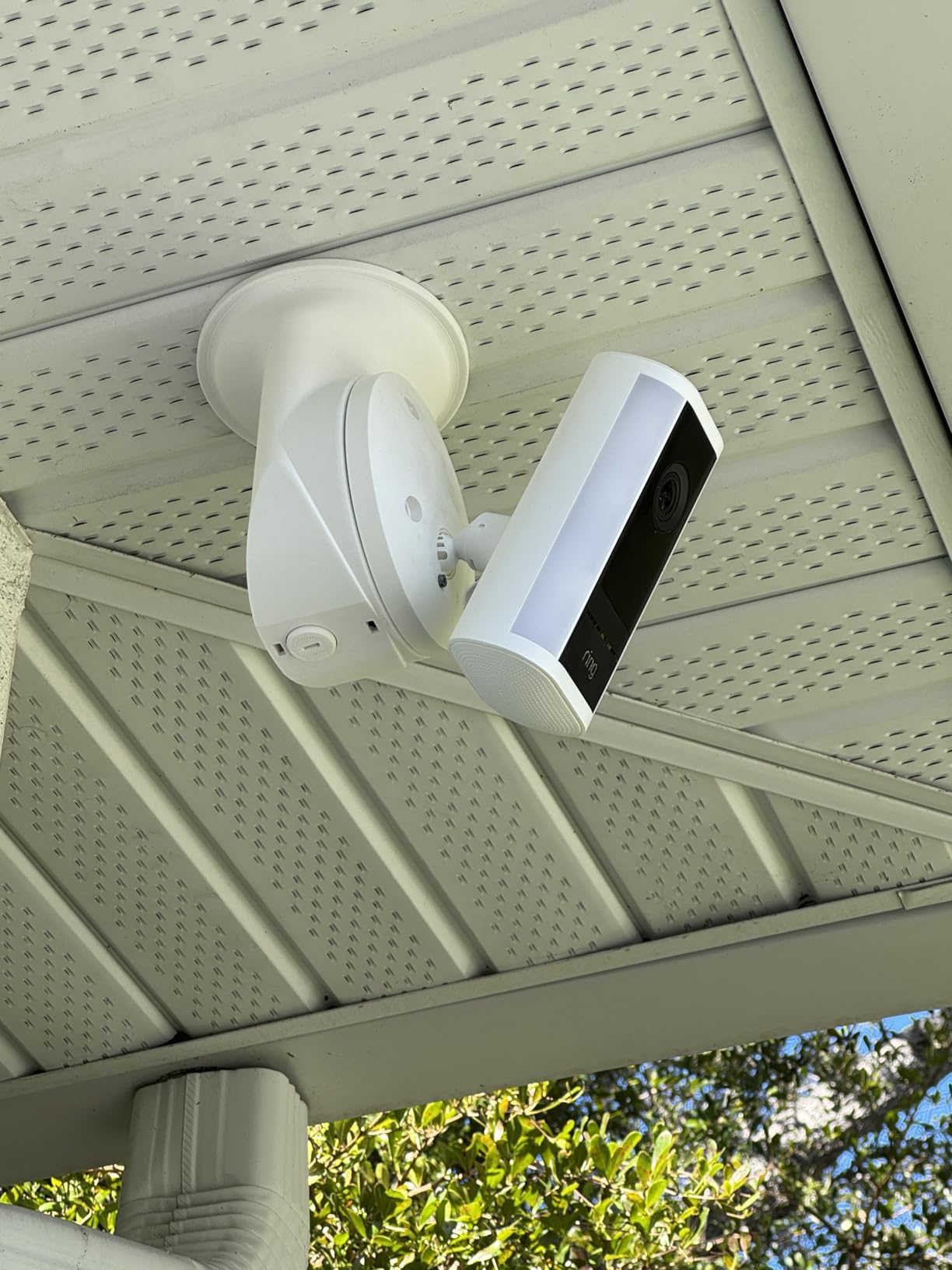
The plastic plate turned out to be a cable bracket to secure the power cord, but it only works for a ceiling mount installation. There is no way to secure the power connection with a wall mount installation.
The setup and installation was more time consuming and intrusive than I expected. The first step of the installation was to scan a QR code and download the Ring app to my smart phone. I next had to create an account using my full name, country, email (twice), password with 5 specific rules (hate this), verify my email, and then setup 2-step verification which required my phone number. At this point in the installation I received a "Something went wrong" error stating that a secure connection to the server could not be made. I had to try 3 times before this worked. Setting up a passkey also failed on the initial attempt. The app then required my address for some reason.
The third step was to set up the Ring device. There were a lot of device options, yet after scrolling through and selecting one the app told me to scan the QR code on the camera anyway. The Ring made a loud, annoying sound when it powered up. It was so loud it scared my wife in the next room. It then asked for my WiFi password. The vocal prompts were also extremely loud and I ended up placing my palm over the speaker every time. (This thing needs a volume control!)
The app then set up something called Amazon Sidewalk. It stated that this could be turned off later, but it is On by default and there is no way to skip it during the installation (annoying). I had trouble finding this later in the Settings to actually turn it off and had to go online to find out the option was located under Control Center. There was zero explanation what this function does, but after researching Sidewalk on the internet it sounded worthless with only a single Ring device.
Finally the app gets to the physical camera installation steps. A simple paper Quick Install Guide would have been so much easier. I was also surprised there was no recommended mounting height for the camera.
Once the app was complete, an orange alert stated that a Premium Trial at my address ends in 30 days and that I need to subscribe to share or replay videos. I did not know that a paid subscription is required to view video recordings, so reviewing past events for free is not possible. There is no USB or microSD port to save videos locally. The camera can be used for live view or motion alerts only. A few days after activation I received an email implying that even the Person Alerts will not be available after the trial expires.
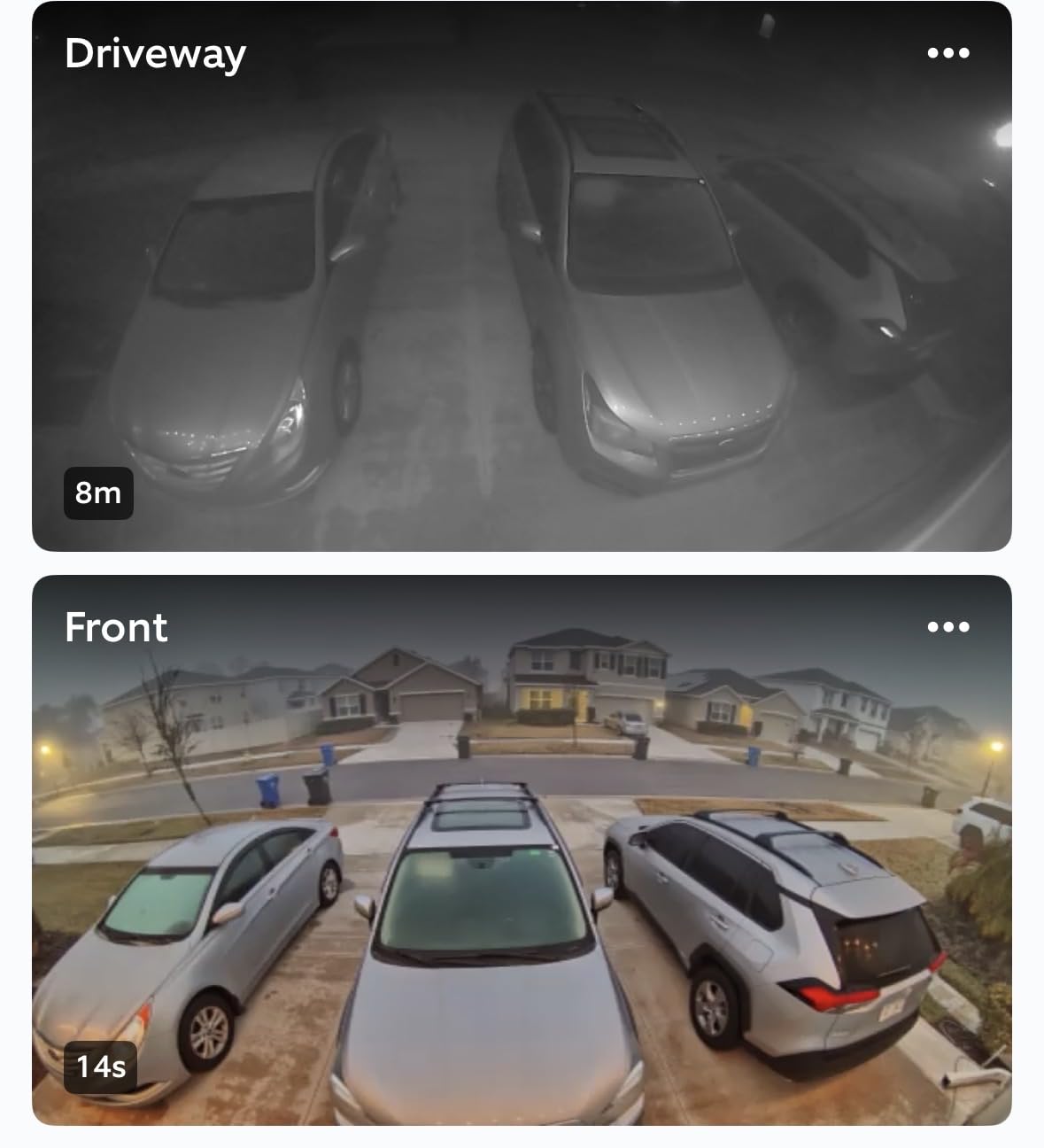
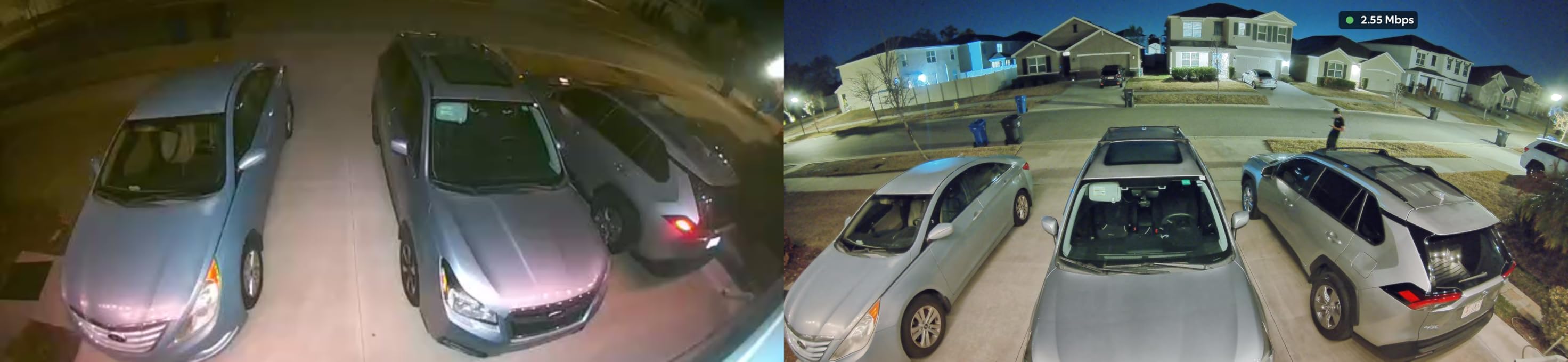
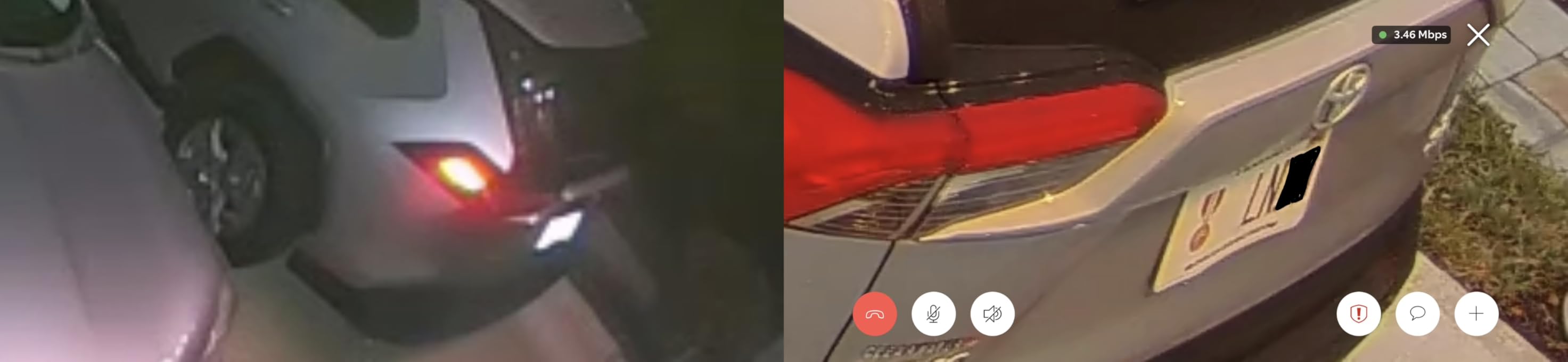
I finally got the camera mounted and can see a live view, turn on the lights manually, and get motion alerts. Without a manual though, it took me a while to figure out how to respond or talk to someone at the door after a motion alert. The Help menu stated I should have Two-Way Talk with Audio, but I could not find anything that explained how to set i